
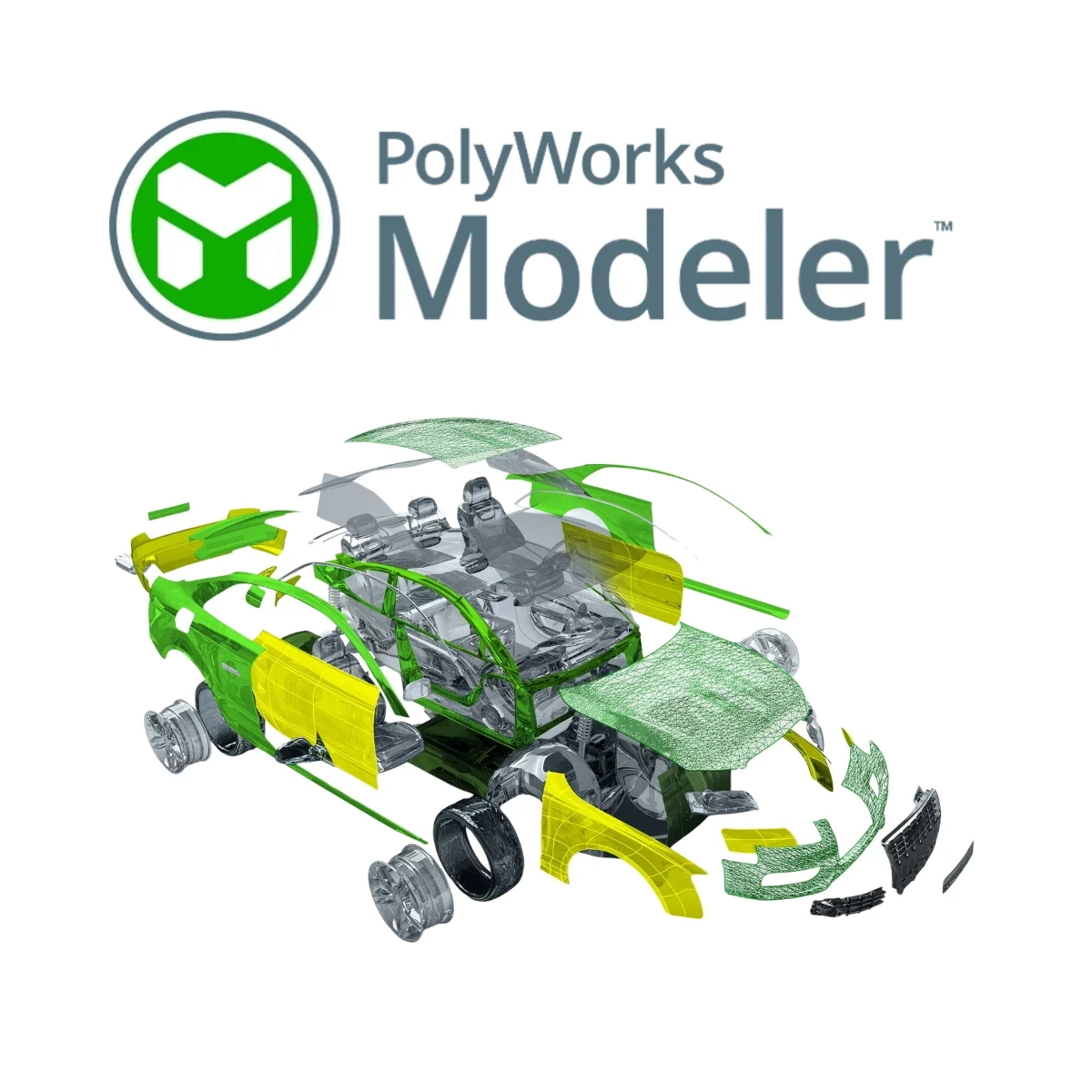
PolyWorks|Modeler™ is 3D reverse-engineering and scan-to-CAD software for transforming digitized point clouds and polygonal models into CAD-ready curves, NURBS surfaces, parametric sketches, and prismatic features. It supports polygonal, surface, and solid-modeling workflows for scanned parts. SITML provides PolyWorks Modeler demonstrations, licensing, implementation, training, and technical support in Saudi Arabia.
PolyWorks Modeler for Reverse Engineering and CAD/CAM Workflows
It connects digitized polygonal models with professional CAD/CAM applications, supporting an efficient workflow from scanned part geometry to downstream CAD modeling.
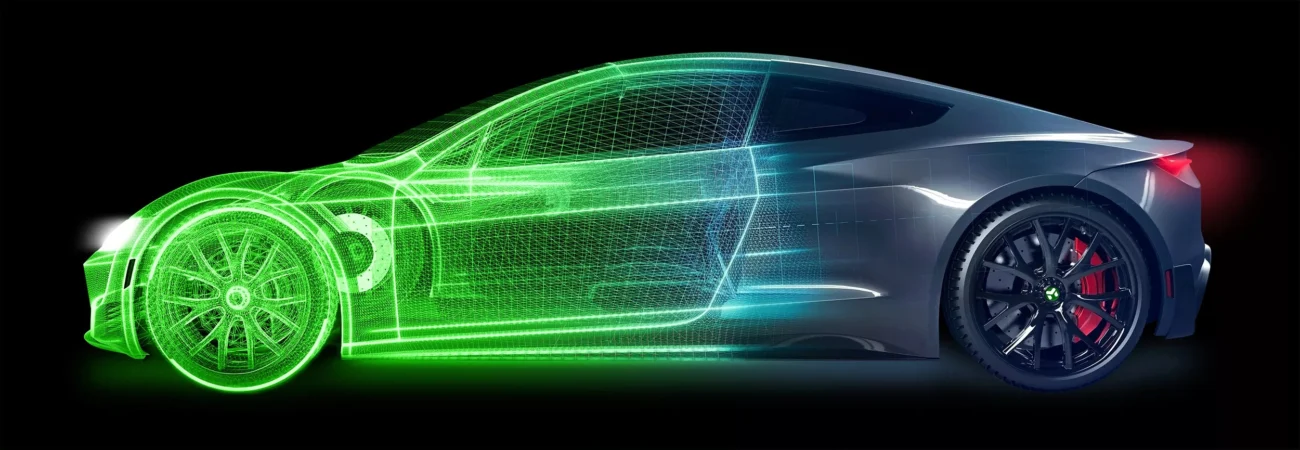
PolyWorks|Modeler™ is comprehensive reverse-engineering software for extracting CAD-ready curves, surfaces, parametric sketches and prismatic features from polygonal models of digitized parts. The resulting geometry provides an efficient starting point for creating professional, editable CAD models within established design workflows.
Polygonal Modeling from 3D Scan Data
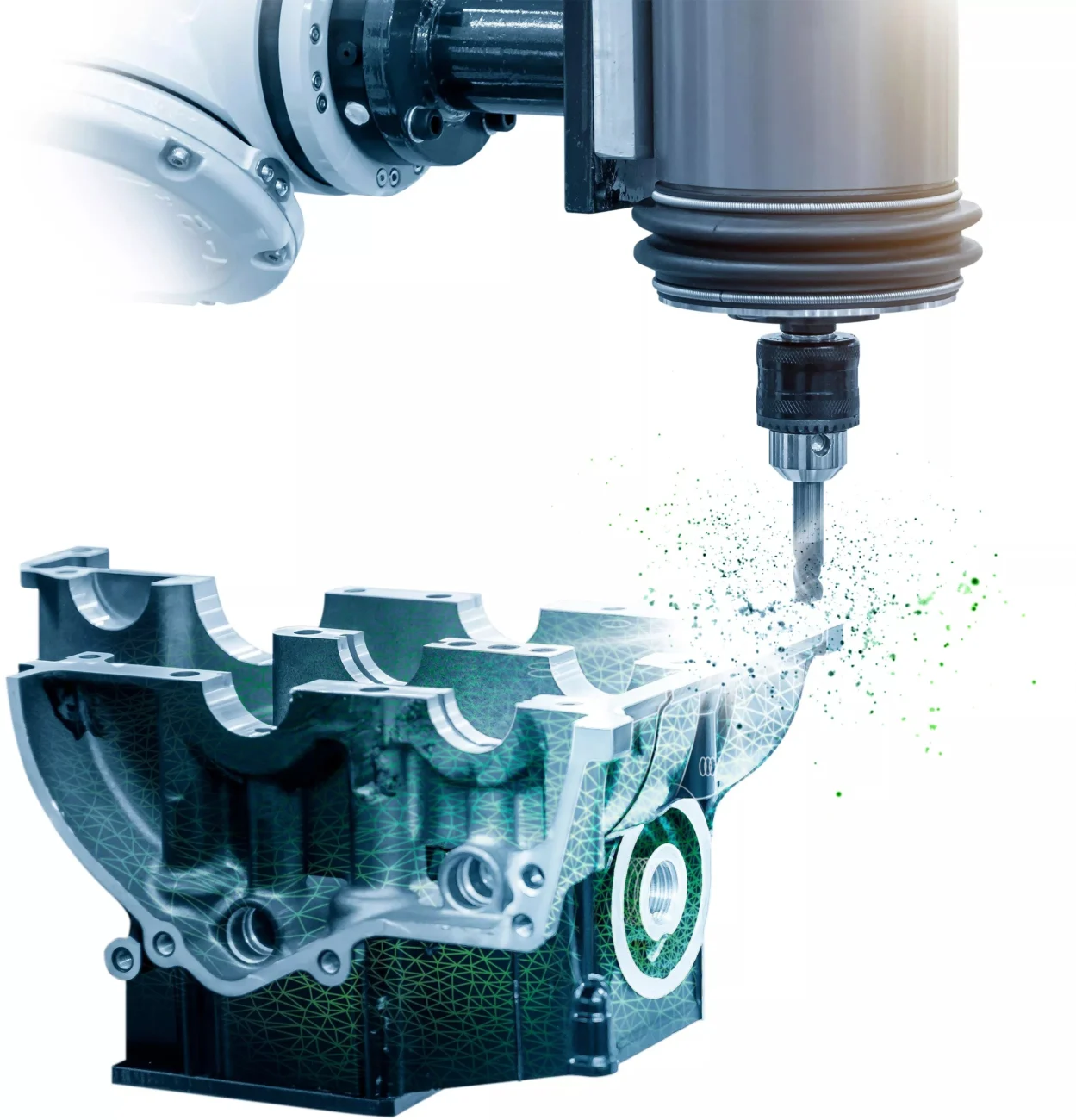
Polygonal modeling is the first stage of many reverse-engineering workflows. PolyWorks Modeler transforms digitized point clouds into surface-based polygonal models, also known as meshes. Compared with raw point-cloud data, these models are more compact, accurate and less affected by noise, making them suitable for industrial applications such as milling, 3D printing and aerodynamic simulation.

Create Polygonal Models of Digitized Parts in Real Time
Use real-time quality meshing to assess scanning methods during data capture and produce precise polygonal models of digitized parts.

Repair and Optimize Imperfectly Digitized Geometry
Refine incomplete scan geometry by filling holes, smoothing or rebuilding surfaces, cleaning boundaries, recovering sharp edges and creating watertight meshes.

Apply CAD Operations to Polygonal Models
Prepare polygonal models for downstream workflows by extruding boundaries, offsetting surfaces, reconstructing fillets and performing Boolean operations with CAD models.
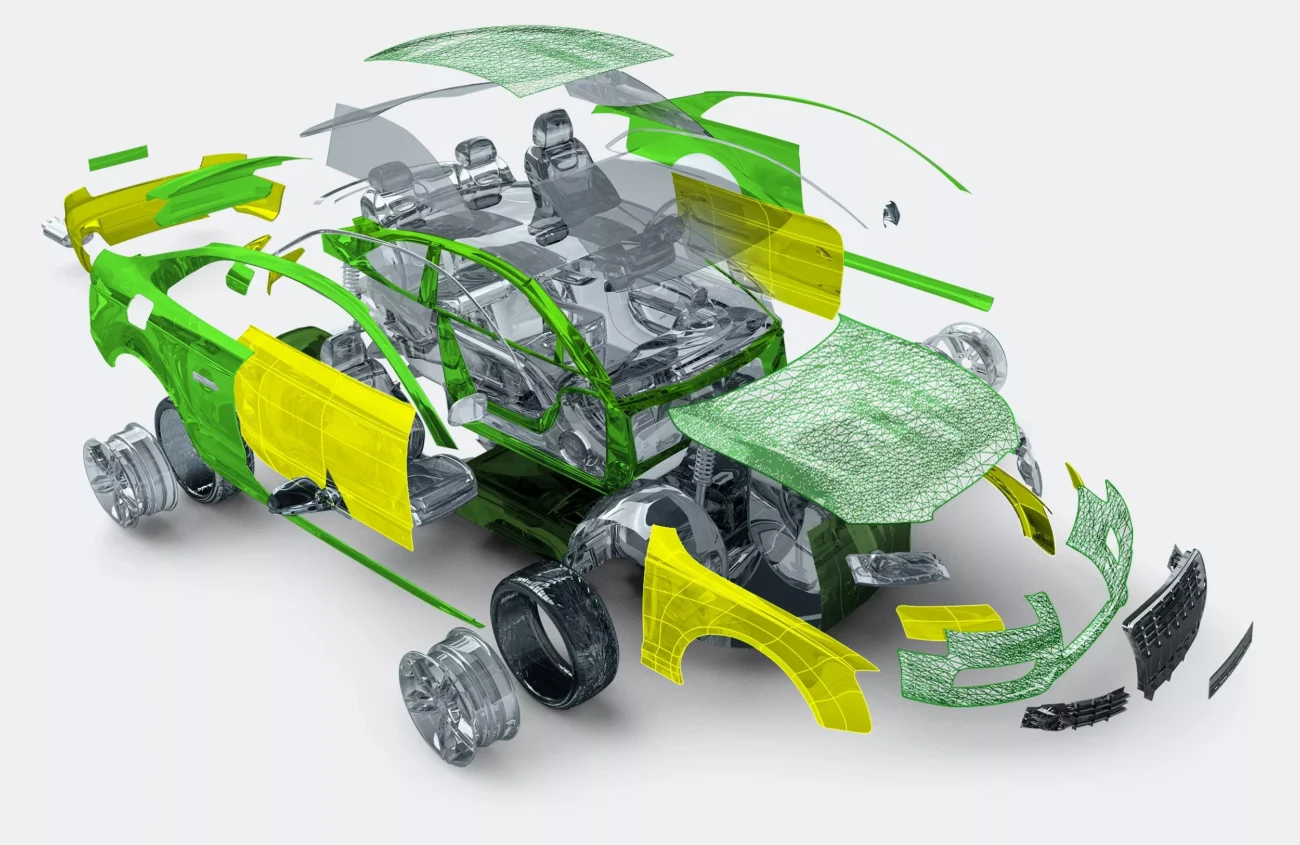
NURBS Surface Modeling for CAD/CAM Applications
NURBS surfaces provide lightweight representations of simple features and organic shapes, making them useful for transferring polygonal geometry created from point-cloud data into CAD/CAM software. PolyWorks Modeler combines interactive curve creation with automatic surfacing technology to generate editable, CAD-friendly models for simulation, machining and design workflows.
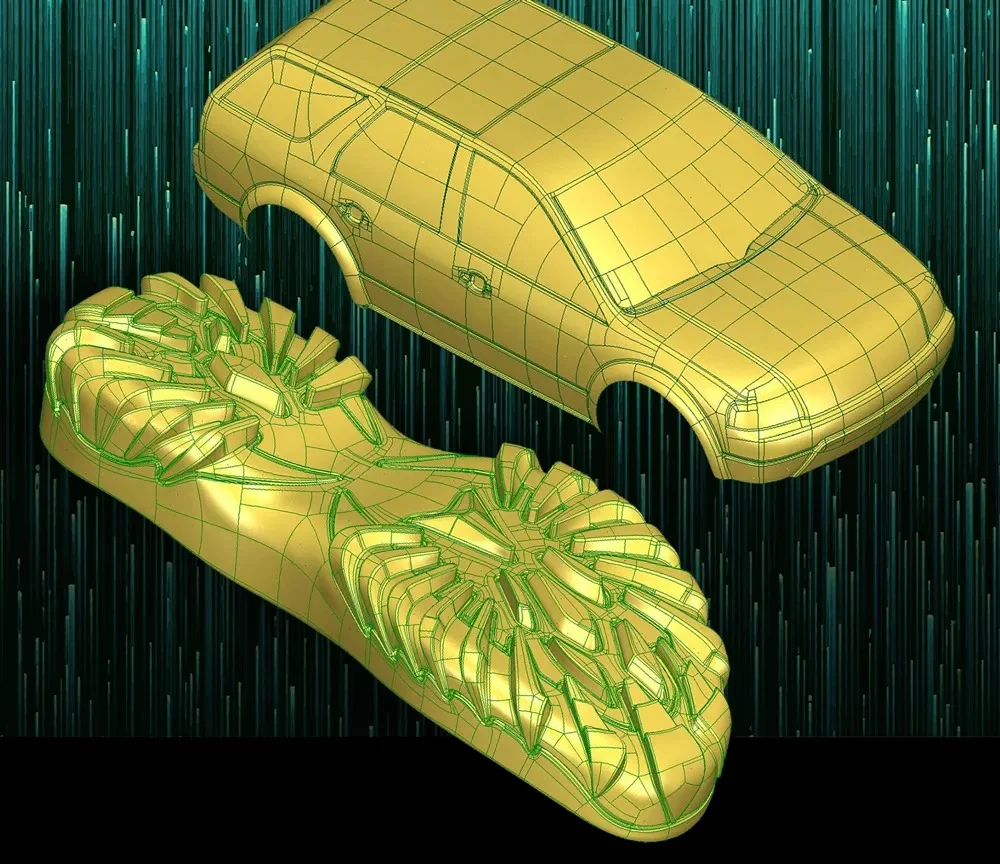
Intuitive workflow

Create Meaningful Curves on Polygonal Surfaces
Define critical part geometry by interactively creating and fitting curves directly on polygonal surfaces. This provides precise control over boundaries, sharp edges and fillet tangency lines.

Automatically Create Surface Patches from Curves
Automatically intersect fitted curves to form four-sided or N-sided trimmed surface patches. These patches guide the fitting of a continuous network of NURBS surfaces.

Automate Curve and Surface Patch Creation
Model an entire polygonal surface in a single operation while retaining control over application-critical geometry, including symmetry lines, part boundaries and subtle feature lines.
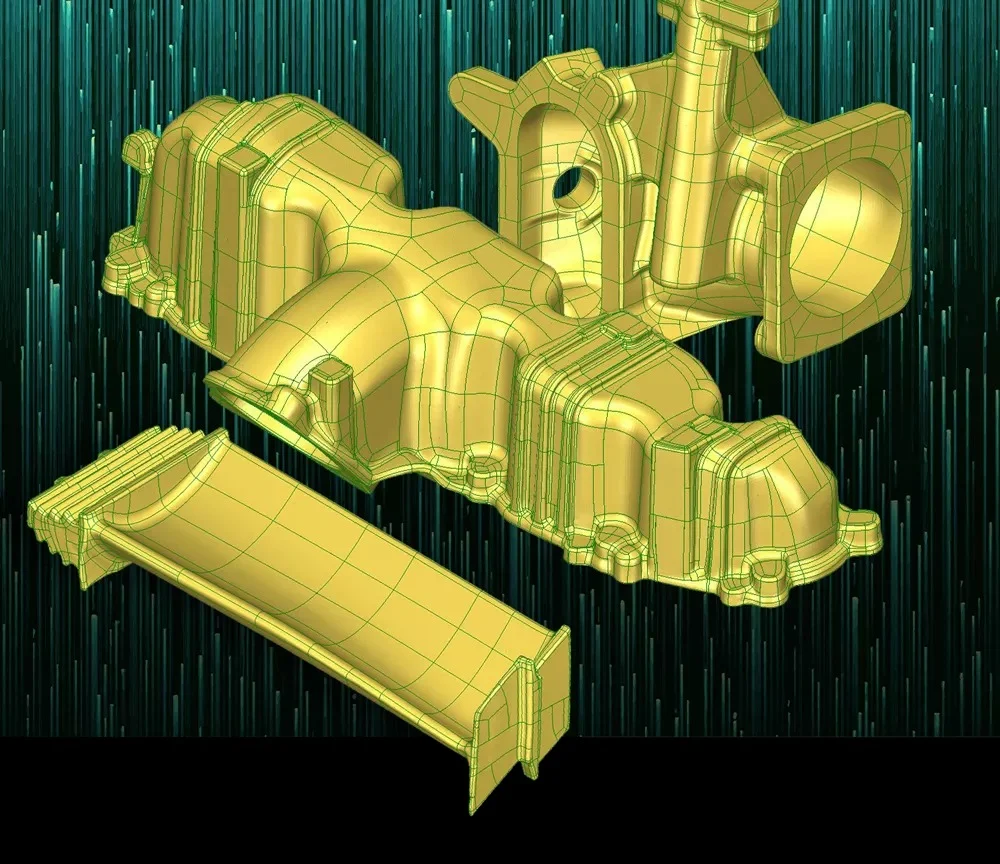
Highly usable surfaces

Create CAD-Friendly Models
Generate editable reverse-engineered models for CAD/CAM applications. Surface patches are automatically bounded by continuous curves that follow the part’s natural characteristics.

Produce Lighter Models for Downstream Applications
Reduce the number of surface patches while improving fitting accuracy and continuity. Patch size and aspect ratio automatically adapt to the part’s surface curvature, producing lighter models for downstream workflows.

Tailor Surface Fitting Results to Your Needs
Control the balance between accuracy and smoothness when fitting NURBS surfaces using a two-step fitting process and blend-to-CAD technology.
Solid Modeling
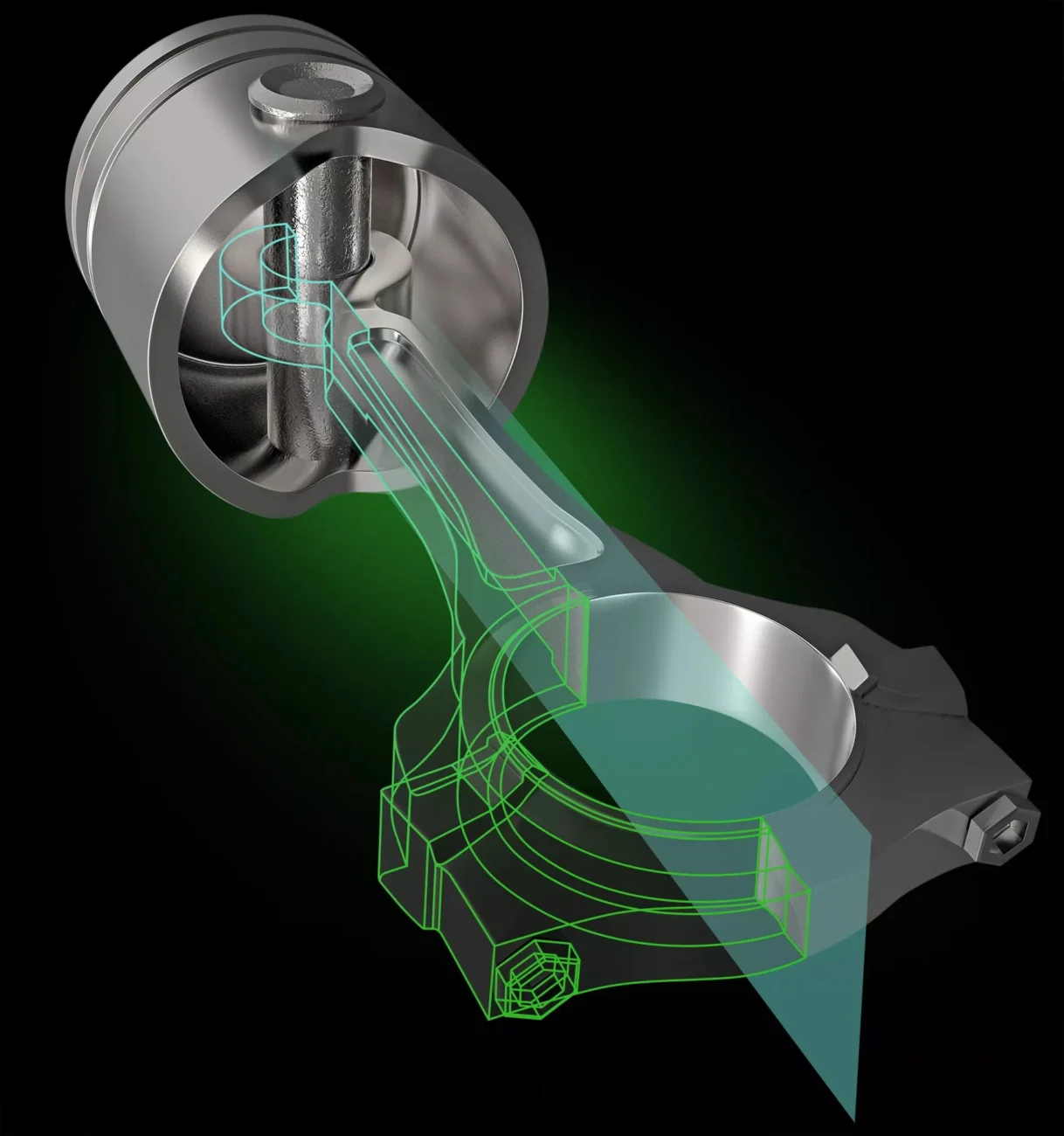
Parametric 2D sketches form a key foundation of solid modeling workflows, providing the geometry required to create base features through Extrude, Revolve, Sweep and Loft operations. PolyWorks|Modeler™ extracts geometric entities from digitized polygonal models to create parametric 2D sketches. These sketches provide the starting point for generating parametric, associative and fully editable 3D solid CAD models.

Create Sketches from Digitized Models
Define sketch planes using standard or user-defined planes. Generate sketch outlines by slicing cross-sections through a polygonal model or extracting its silhouette edges.

Create Sketch Entities and Dimensions
Fit parametric arcs, lines, circles and splines to extracted sketch outlines, then apply dimensions and geometric relations to constrain the sketch entities.

Transfer PolyWorks Sketches to Your CAD Solution
Transfer PolyWorks|Modeler™ parametric sketches into feature-based solid CAD modelers through add-ins for CATIA, NX, Creo, SOLIDWORKS and Inventor.
Request a PolyWorks Modeler Demo in Saudi Arabia
Explore how PolyWorks|Modeler™ can support your reverse-engineering and scan-to-CAD workflows through a product demonstration with SITML. We also provide software licensing and renewals, implementation, training, and local technical support in Saudi Arabia. Use the product enquiry form to discuss your application and demonstration requirements.


